The gap between meaning to exercise and actually doing it is mostly a gap in feedback, which is why a smart sports watch changes behaviour for so many people who never got on with a gym routine. This guide explains what the sensors in a smart sports watch genuinely measure, how accurate each figure really is, and how to wear one so the numbers mean something. It also covers battery habits, screen visibility outdoors, water resistance, strap hygiene, the faults people run into most, and the six questions buyers ask before ordering.
What a smart sports watch actually measures
Almost every fitness feature on the wrist comes from two sensors, and understanding them explains both the strengths and the limits of the whole category.
The first is an accelerometer, which detects movement in three dimensions. Step counting, distance estimates, activity recognition and most sleep tracking all derive from patterns in that motion data. It is remarkably good at spotting rhythm, which is why a smart sports watch counts walking accurately, and less good at anything without a rhythm, which is why pushing a shopping trolley can register as steps.
The second is an optical heart rate sensor, the small green light on the underside. It shines light into the skin and measures how much is reflected back, since blood absorbs light differently as it pulses through. This technique gives a continuous heart rate reading without a chest strap, which is the feature that made the modern smart sports watch genuinely useful rather than a glorified pedometer.
Everything else is calculation built on those two inputs. Calorie estimates, fitness scores, recovery advice and sleep stages are all interpretations rather than measurements, which is worth remembering when a figure looks surprising. A smartwatch is an estimation device, and treating it as one leads to much better use of it.
How accurate is it really
Honesty here saves a lot of frustration, because different figures on the same screen have very different reliability.
Step count is generally good. Over a normal day, a smart sports watch will be close enough that trends are meaningful, even if the exact number drifts by a few percent. Distance from steps alone is less reliable, because it relies on an assumed stride length that varies with pace and terrain.
Heart rate is accurate at rest and during steady effort, and noticeably less accurate during high-intensity intervals, weight training or anything involving sharp wrist movement. The sensor needs stable skin contact, and rapid changes in effort outpace it. For serious interval training, a chest strap remains more accurate, and that is true of every wrist device rather than a flaw in any particular one.
Calorie burn is the least reliable figure on the watch, because it is a model built on estimates of your heart rate, age, weight and activity. Use it to compare one day with another rather than as an absolute number, and never treat it as precise enough to balance against food intake.
Sleep tracking sits in the middle. A smart sports watch is reasonably good at identifying when you fell asleep and woke, and much weaker at distinguishing sleep stages, which properly requires brain activity measurement. As a record of duration and consistency it is genuinely useful.
What makes a good smart sports watch
Specifications rarely capture what makes one pleasant to live with. Four things matter more than the feature list.
Screen brightness and outdoor visibility
A colour screen looks excellent indoors and can become unreadable in direct sunlight, which is exactly when you are most likely to be exercising. Brightness matters more than resolution here. If you cannot glance at a smart sports watch mid-run and read it instantly, the data might as well not be there.
Battery life and how it fits your week
The practical question is how often you will have to think about charging. A watch that lasts several days settles into life easily; one that needs charging nightly competes with the sleep tracking it offers. Features like an always-on display and continuous heart rate monitoring both shorten runtime considerably, so real battery life depends on how you configure it.
Comfort, weight and the strap
This is worn for sixteen hours a day, and possibly at night. Weight and strap comfort determine whether a smart sports watch is still on your wrist in month three or sitting in a drawer. A soft, breathable strap with plenty of adjustment holes matters more than almost any sensor specification.
App quality and what happens to the data
The watch collects; the app is where you actually see anything useful. A clear app that shows trends over weeks is worth far more than one listing raw daily numbers. Since the app is where you will spend your attention, it deserves as much thought as the smart sports watch itself.
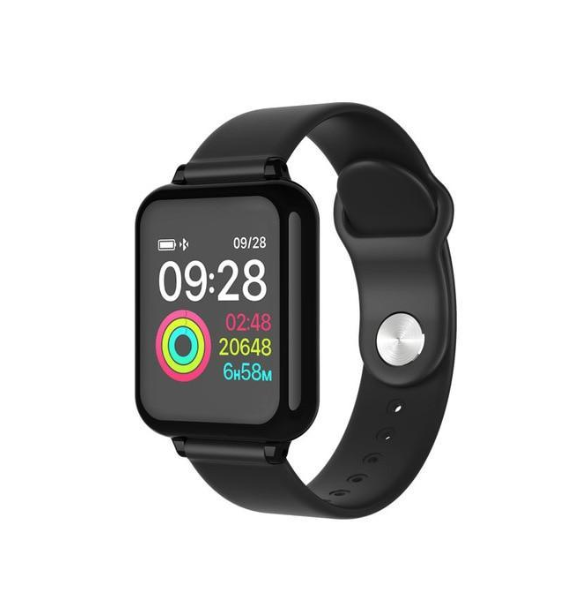
The WLD Store pick: B57 Color Screen Smart Sports Watch
WLD Store lists the B57 Color Screen Smart Sports Watch. Here is what the listing states, with nothing added:
- Product: B57 Color Screen Smart Sports Watch
- Category: Electronics
- Brand: WLD
- Tracks: steps, heart rate and workouts
- Display: bright colour screen
- Available in: the USA, with secure checkout
- SKU: WLD-US-0018
The three tracked metrics are the ones that matter most for everyday training, since steps cover general activity, heart rate covers intensity and workout tracking ties the two together. Current photographs and details are on the B57 Color Screen Smart Sports Watch product page.
Wearing it correctly for accurate readings
Fit affects data quality more than anything else you control, and most people wear a watch too loosely for the heart rate sensor to work well.
- Position it above the wrist bone, roughly a finger’s width up your forearm, where the skin is flatter and contact is more consistent.
- Tighten it more than a normal watch for workouts. Snug but not uncomfortable, with no visible gap between sensor and skin.
- Loosen it slightly for everyday wear, so the skin underneath can breathe between sessions.
- Keep the sensor window clean, since sweat residue and sunscreen both interfere with the optical reading.
- Wear it on the non-dominant wrist where possible, which reduces movement noise and improves step accuracy.
Skin tone, tattoos and cold weather can all affect optical readings, which is a limitation of the technology rather than any individual smart sports watch. Cold in particular reduces blood flow near the surface, so readings during a winter run may take a few minutes to settle.
Setting it up so the data means something
An unconfigured watch produces numbers that look authoritative and are quietly wrong, and five minutes of setup fixes most of it.
Enter your height, weight, age and sex accurately, because every derived figure depends on them. A smart sports watch estimating calorie burn from a default profile rather than yours will be wrong by a wide margin, and stride length for distance estimates is calculated from height.
Set goals you will actually meet. The default ten thousand steps is an arbitrary figure with a marketing origin rather than a medical one, and someone currently walking three thousand a day is better served by a target of five. A goal missed daily stops motivating within a fortnight.
Then choose your notifications deliberately. A smart sports watch that buzzes for every email becomes an irritation quickly, and most people end up disabling everything rather than curating it. Start with almost nothing enabled and add back only what genuinely helps.
Battery habits and charging
Battery behaviour is largely under your control, and a few settings make the difference between charging weekly and charging nightly.
- Always-on display is the biggest drain by a wide margin. Raise-to-wake gives most of the convenience at a fraction of the cost.
- Continuous heart rate monitoring is the second. Interval sampling is usually enough unless you are tracking a specific session.
- Reduce brightness indoors and let it rise only when needed, rather than running maximum brightness all day.
- Charge before it empties rather than running it flat, which is gentler on the cell over time.
- Keep the charging contacts clean, since sweat residue on the back of a smart sports watch is a common cause of a charge that silently fails overnight.
Most people find a routine works better than reacting to warnings: charging while showering, or during an hour at a desk, keeps a watch topped up without ever interrupting sleep tracking.
Water, sweat and what the ratings mean
This is where expensive mistakes happen, because water resistance ratings are widely misunderstood.
Sweat and rain are fine for essentially any modern device in this category. Swimming, showering and submersion are a different question entirely, and depend on a specific rating that must be stated for the model you buy. Never assume a smart sports watch is swim-safe because it survived a rainy walk.
Hot water is harder on seals than cold, so showers and hot tubs are riskier than a cool pool even at the same depth. Soap and shampoo also degrade gaskets over time. The safest habit is simply to take it off before showering, which takes two seconds and removes the question.
Salt water and chlorine both deserve a rinse in fresh water afterwards if the watch has been in them, followed by drying the strap and the sensor window. Salt residue in particular is corrosive and accumulates in the gaps around buttons.
Strap hygiene and skin care
A device worn all day against skin needs cleaning far more often than most people do it, and the consequence of neglect is a rash rather than a fault.
Sweat, dead skin and soap residue collect between the strap and the wrist, and moisture trapped under a tight band is what causes irritation. Wipe both the strap and the underside of the watch with a damp cloth regularly, dry them properly, and give your wrist some time uncovered each day.
If irritation appears, loosen the fit, clean everything thoroughly and switch wrists for a few days. Persistent irritation may indicate a reaction to the strap material, in which case a silicone, fabric or leather alternative usually resolves it. A smart sports watch strap is easy to replace, and there is no reason to persist with one that does not suit your skin.
Common problems and quick fixes
Four issues account for most complaints, and none of them usually indicate a faulty device.
- Heart rate reads erratically or not at all: nearly always fit. Move it above the wrist bone, tighten it, and clean the sensor window.
- Step count seems too high: arm movement without walking, such as driving on a rough road or washing up. Trends over a week remain useful even when a single day looks odd.
- It keeps disconnecting from the phone: usually battery optimisation closing the app in the background. Allow the app to run freely and keep Bluetooth enabled.
- Battery drains far faster than expected: check always-on display and continuous heart rate first, since those two settings account for most unexplained drain.
Using the numbers without being ruled by them
The most common failure with fitness tracking is not inaccuracy, it is obsession, and it is worth naming plainly.
Trends matter and single readings do not. One night of poor sleep, one high resting heart rate or one missed step goal means very little; the same pattern across three weeks means something. Look at your data weekly rather than hourly, and a smart sports watch becomes a useful instrument rather than a source of anxiety.
Beware of letting a score dictate how you feel. Waking up rested and then reading a poor recovery score has been shown to change how people rate their own day, which is precisely backwards. The body is the better instrument; the watch is a supporting one.
It is also important to be clear that a smart sports watch is a consumer fitness device, not a medical instrument. It does not diagnose anything, and readings should never be used to make decisions about health conditions or medication. If something in the data genuinely concerns you, such as a persistently unusual resting heart rate, take that concern to a doctor rather than to a forum.
The first two weeks: building a habit that sticks
Most people who abandon a fitness tracker do so within a month, and the reason is almost never the hardware. It is trying to change everything at once, then losing interest when the novelty of the data fades. A more deliberate start avoids that.
Spend the first week measuring rather than improving. Wear the watch normally, change nothing about your routine, and let it record what an ordinary week actually looks like. That baseline is far more valuable than any default target, because it tells you where you genuinely are rather than where a manufacturer assumed you might be.
In the second week, pick one thing and only one. A modest increase in daily steps, or two short walks added to the days you currently do least, is enough. A smart sports watch is excellent at showing whether a small change held, and small changes that hold beat ambitious ones that collapse.
Set a single weekly review rather than checking constantly. Ten minutes on the same day each week, looking at trends in the app rather than individual days, is the habit that separates people still wearing a smart sports watch after a year from those who are not.
A few things help the habit survive:
- Charge at a fixed time so the watch is never flat when you want it, and sleep data stays continuous.
- Turn off goal celebrations if they feel hollow, and keep only the alerts that genuinely prompt you.
- Compare yourself to last month, never to somebody else’s numbers.
- Expect plateaus. Progress in any real routine is uneven, and a flat fortnight is normal rather than failure.
Approached this way, a smart sports watch becomes a quiet record of a routine you actually keep, which is worth far more than a detailed record of one you abandoned.
Buying checklist
Five questions worth answering before ordering a smart sports watch.
- Is the screen bright enough to read outdoors, where I will actually use it?
- Does the battery life fit my week, allowing for the features I intend to leave switched on?
- Is the strap comfortable and adjustable enough to wear for sixteen hours a day?
- Does it track the specific things I care about, rather than a long list I will ignore?
- If I want to swim with it, does the listing state a rating that actually permits that?
Other WLD Store picks worth a look
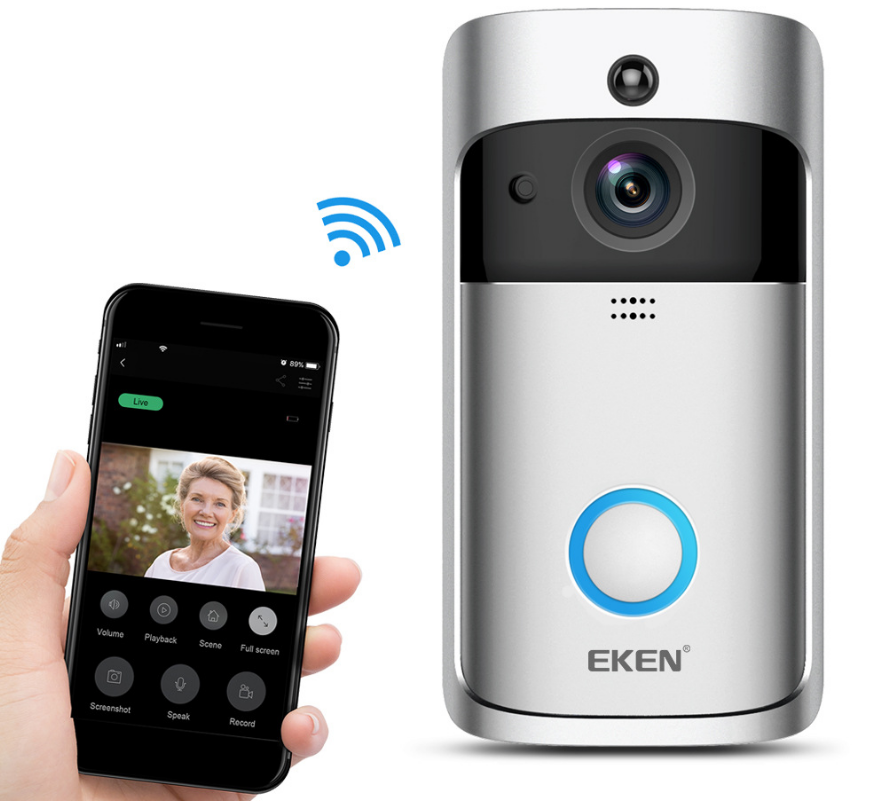
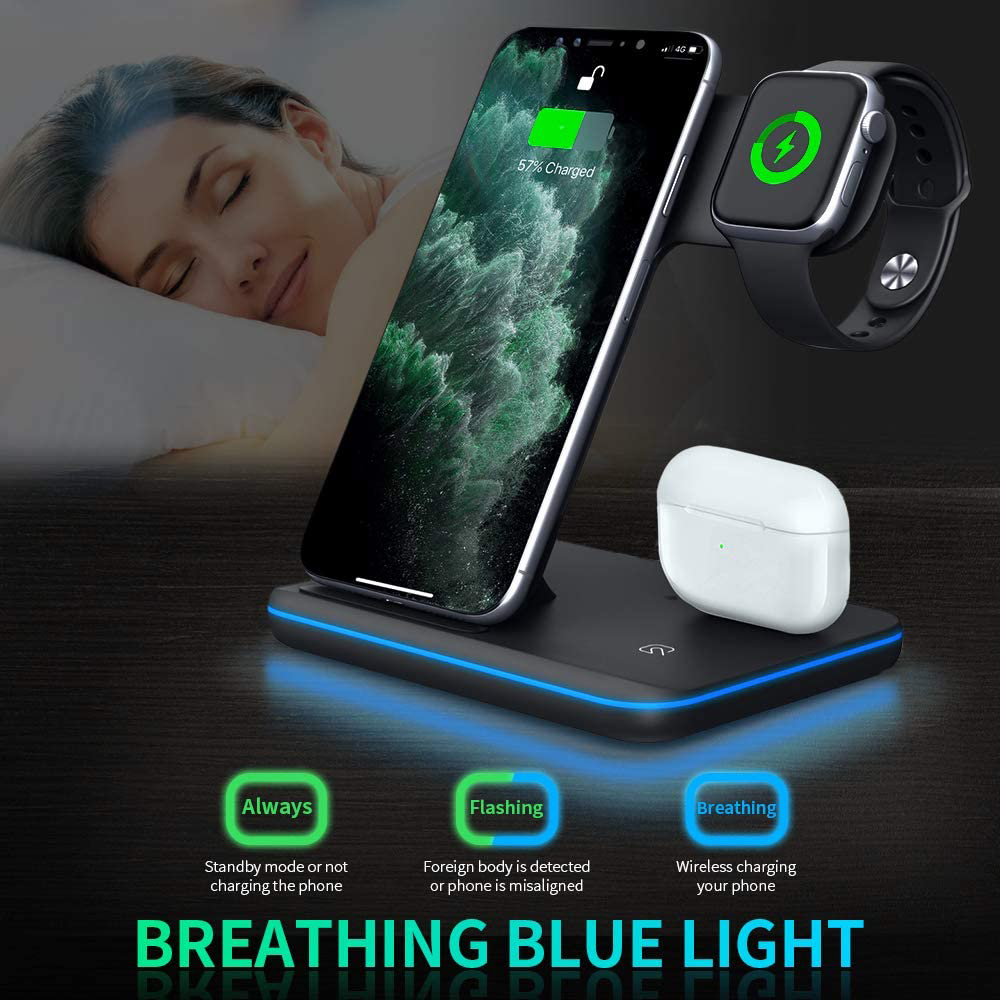
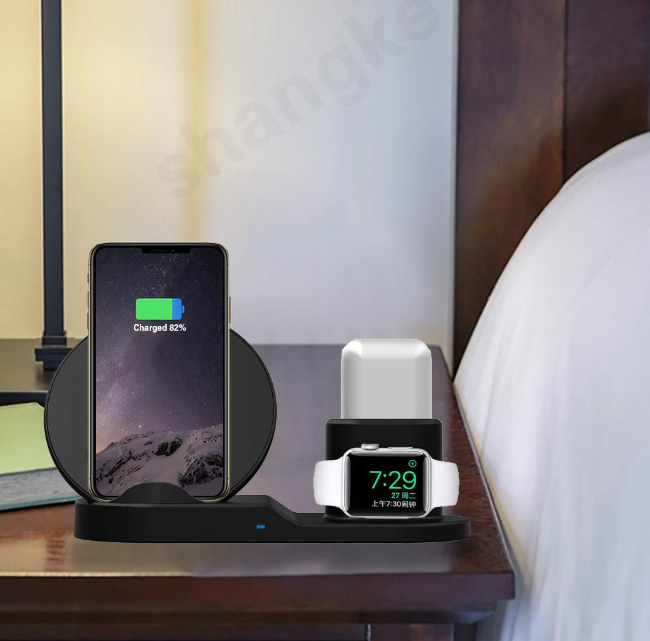
A few more electronics from the WLD Store range.
Frequently asked questions about the smart sports watch
How accurate is the heart rate reading?
Good at rest and during steady effort, less reliable during intervals, weight training or anything with sharp wrist movement. Fit is the main variable you control, so wear it snugly above the wrist bone. For precise interval work, a chest strap is still more accurate than any wrist sensor.
Can I swim with it?
Only if the listing states a water resistance rating that covers swimming. Sweat and rain are fine for almost any modern smart sports watch, but submersion is a separate question, and hot showers are harder on seals than cool water regardless of rating.
Why is my step count different from my phone?
Because they measure different things from different places. A phone in a pocket and a watch on a wrist see different motion, and neither is definitive. Pick one as your reference and follow its trend rather than trying to reconcile the two.
Does it need my phone nearby to work?
Not for tracking. A smart sports watch records steps, heart rate and workouts on its own and syncs when the phone is back in range. What does need the connection is notifications and anything that relies on the phone’s location or internet access.
Will it help me lose weight?
Indirectly, by making activity visible and encouraging consistency, which is genuinely valuable. What it will not do is measure calorie burn precisely enough to plan a diet around, since that figure is an estimate built on other estimates. Treat it as motivation rather than measurement.
How long should the battery last?
It depends far more on settings than on the model. Always-on display and continuous heart rate monitoring are the two biggest drains, and switching both off can transform runtime. Judge any smart sports watch by battery life in the configuration you actually intend to use.
Worn correctly, configured with your real details and read weekly rather than hourly, a smart sports watch is one of the few gadgets that reliably changes behaviour, mostly by making ordinary activity visible. Keep the fit snug for workouts, clean the strap and sensor regularly, and remember that every figure on the screen is an estimate rather than a measurement. You can view the B57 Color Screen Smart Sports Watch on the storefront, or browse more in the Electronics section.




Add comment