A wireless charging station replaces the tangle of three separate cables that most desks and bedside tables have quietly accumulated. Instead of a lead for the phone, another for the watch and a third for the earbuds case, one pad or stand takes all three and gives each its own place to sit. This guide explains how a wireless charging station works, what actually determines charging speed, and which details to check before buying so you do not end up with a device that only fits half your kit. There is a setup walkthrough, care advice, troubleshooting, a buying checklist and six frequently asked questions, plus the tidy 3-in-1 pick stocked at WLD Store.
Why a wireless charging station is worth the desk space
The first reason is simply that you stop losing cables. Anyone carrying a phone, a smartwatch and a set of earbuds is managing three different charging leads, usually with different connectors, and at least one of them lives permanently in the wrong room. A wireless charging station makes the charging point a place rather than an object you have to find.
The second reason is wear. Charging ports are among the first parts of a phone to fail, because the connector is repeatedly pushed in, twisted and pulled out with pocket lint already inside it. Charging by induction means the port stays untouched, which meaningfully extends the useful life of a device you keep for years.
Third is the habit it creates. When there is a single obvious spot for all three devices, everything ends up charged overnight without anyone thinking about it. Scattered cables produce the opposite: a phone at ninety percent, a watch that died at lunchtime and earbuds you forgot entirely.
Finally there is the desk itself. A wireless charging station occupies a small, defined footprint, whereas three cables occupy the whole surface and every route between it and the wall. For anyone who works at a desk that is also a dining table, that difference is not cosmetic.
How wireless charging actually works
Wireless charging is not really wireless power through the air. It is inductive charging, where a coil in the charger creates a changing magnetic field and a matching coil in your device turns that field back into current. The two coils have to be close and reasonably well lined up, which is why the position of your phone on the pad matters so much.
Because energy is lost as heat in that transfer, inductive charging is always less efficient than a cable. This is normal and expected. A device that feels warm on a wireless charging station is not necessarily faulty, though a device that becomes genuinely hot is a sign something is wrong, usually a thick case or bad alignment.
Alignment is also why magnets appeared. Magnetic rings hold the phone coil directly over the charger coil, removing the guesswork that causes a phone to sit all night at forty percent because it was two centimetres off centre.
Different devices also negotiate different power levels, and a watch or an earbuds case draws far less than a phone. That is why a well-designed wireless charging station keeps separate zones rather than trying to charge everything from one large coil.
What makes a good wireless charging station
Once you look past the photography, five things separate a station you will still be using in two years from one that annoys you within a week.
Compatibility with the devices you own
This is the single most important check and the one most often skipped. Confirm that your phone supports wireless charging at all, that your earbuds case does, and above all that your particular smartwatch does. Watch charging is the awkward one, because many watch brands use proprietary charging pucks that only work with their own hardware.
Read the listing for the specific models supported and compare that against what is actually in your pocket. A wireless charging station that handles two of your three devices is a two-device charger, whatever the box says.
The power adapter and cable
A charging station is only as good as what feeds it. Many stations are supplied to be used with a suitable adapter rather than including one, so check the listing to see what is in the box. Using an underpowered adapter is the most common reason a station charges far more slowly than expected, and it is entirely fixable.
Alignment, magnets and grip
Look for either magnetic alignment or a physical cradle that puts the device in the right place by shape. Flat pads with a smooth surface let phones slide off during a notification buzz, and a phone that has slid off is a phone that is not charging. A grippy surface is a small detail that solves a real problem.
Heat management and how it is built
Heat is the enemy of battery longevity, so a station that keeps devices ventilated will treat your hardware better over years. Solid contact against a large flat plastic surface traps heat; a design that stands the phone at an angle with airflow behind it does not. Weight matters too, since a light stand slides across the desk when you pull the phone off one-handed.
The angle and where it will live
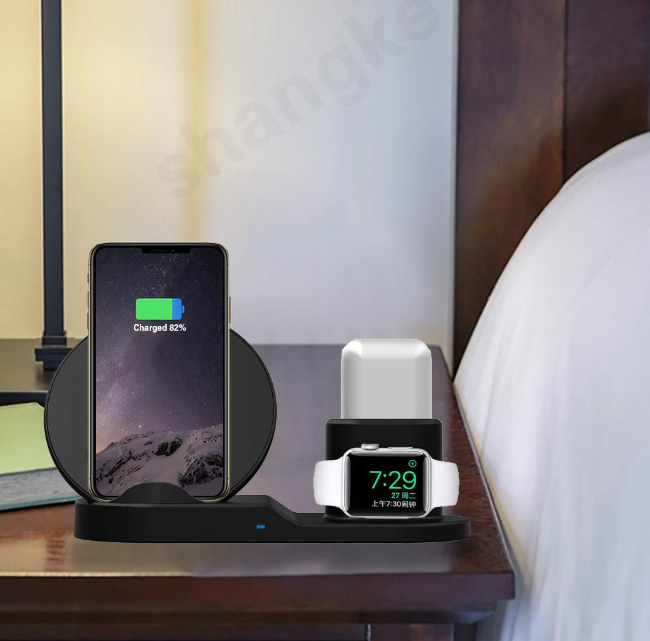
Decide before you buy whether this is a bedside device or a desk device. On a desk, an upright angle that lets you read notifications and use face unlock while charging is genuinely useful. Beside a bed, a lower profile with no bright indicator light is better. A wireless charging station with a glaring blue LED is a poor bedroom companion.
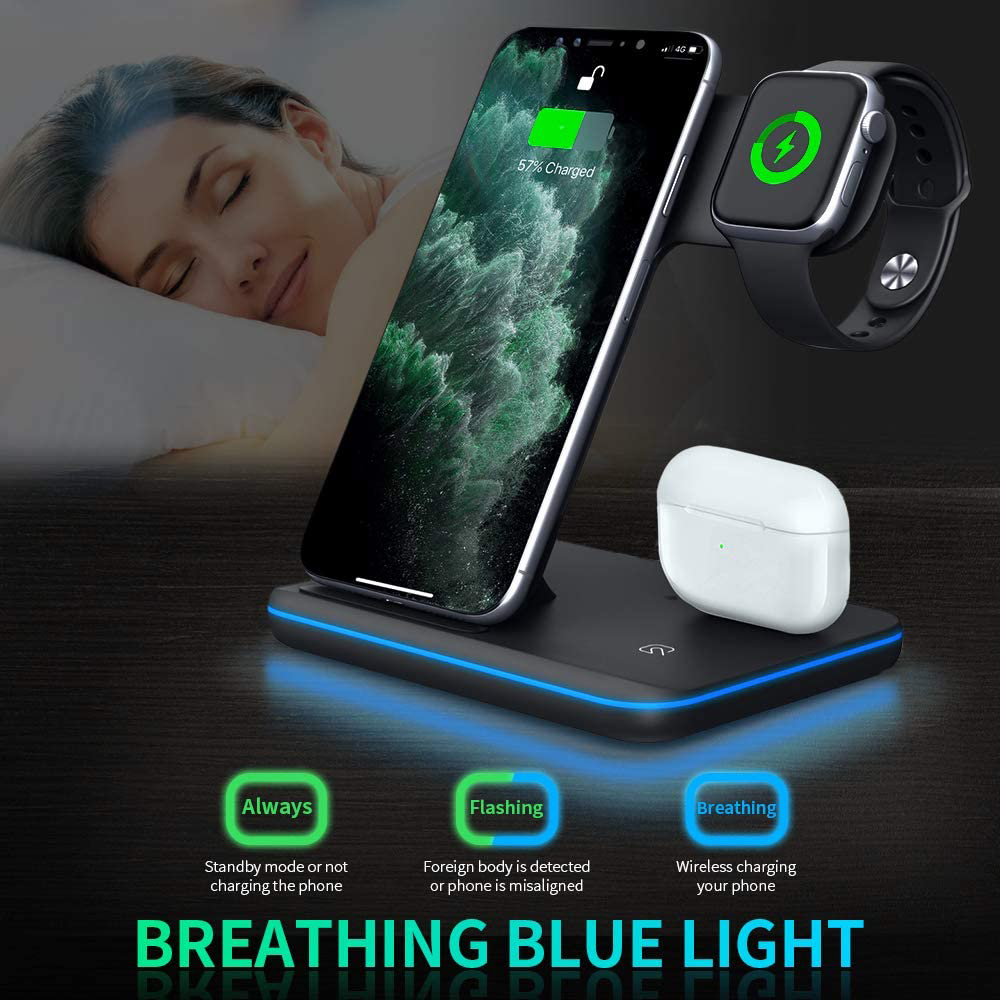
The WLD Store pick: 3-in-1 Wireless Charger for Phone, Watch and Earbuds
Here is what WLD Store lists for this product, with nothing added:
- Product: 3-in-1 Wireless Charger for Phone, Watch & Earbuds
- Brand: WLD
- Category: Electronics
- What it is: tidy fast-charging for phone, smartwatch and wireless earbuds in one
- Availability: available across the USA through secure checkout
- SKU: WLD-US-0015-(CJ-CJXFZNKC00131)
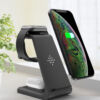
The relevant point is that it is built as a three-device wireless charging station rather than a single pad you have to share between devices, which is what makes the overnight habit work. Full photographs, options and current availability are on the 3-in-1 Wireless Charger product page, and that is the place to confirm compatibility with your own watch before ordering.
Setting up a wireless charging station
Setup is quick, but a few decisions made on day one determine whether the station is genuinely convenient or mildly irritating for the next two years.
- Choose the socket first. Work out where the station will live, then check a plug is within reach without a cable crossing a walkway.
- Use an adequate adapter. A weak adapter is the number one cause of slow charging on any wireless charging station. Check the listing for what is recommended.
- Remove thick cases and pop sockets. Metal plates, card holders and very thick covers block the field. Test with the case off first so you know what normal looks like.
- Place each device deliberately. Set the phone down, wait for the charging indicator, then adjust position until it appears immediately every time.
- Check the watch zone separately. Watches are the fussiest of the three, so confirm yours charges before you rely on the station overnight.
- Mark the sweet spot mentally. Learn where the phone sits so you can place it correctly in the dark without looking.
Give the whole setup one full night before judging it. If all three devices are at full charge in the morning, the wireless charging station is doing its job and you never have to think about it again.
Getting the best charging speed
Wireless charging has a reputation for being slow, and much of that reputation comes from avoidable setup mistakes rather than the technology.
Feed it properly. The adapter behind the station sets the ceiling. Plugging a station into a spare low-power adapter from an old accessory will produce disappointing results no matter how capable the station itself is.
Take the case off if it is thick. Distance between the coils matters enormously. Slim cases are usually fine; wallet cases with card slots, metal rings and thick rugged shells are not.
Get the alignment right. A phone sitting slightly off centre will charge, but slowly and hot. If your wireless charging station has magnets or a cradle, let it do the positioning for you.
Keep it cool. Phones deliberately slow charging when warm to protect the battery. A station in direct sunlight or pressed against a radiator will be slower than the same station in a shaded corner.
Do not expect cable speeds. Induction loses energy as heat, so a wired connection will always finish first. The point of a wireless charging station is convenience across a whole night, not a ten-minute top-up before you leave.
Wireless or cable: when each one wins
It is worth being clear-eyed about this, because the honest answer is that most people should own both.
Wireless wins for overnight charging, for a desk where you pick the phone up twenty times a day, and for anywhere the friction of plugging in is what stops devices being charged. It also wins for wear, since the port never gets touched.
A cable wins when you are in a hurry, when you need to use the phone heavily while it charges, and when you are travelling light. A cable also charges through any case and does not care about alignment.
The practical arrangement most people settle on is a wireless charging station at home for all three devices and a single cable in the bag for emergencies. That covers both patterns without duplicating anything.
Care and maintenance
There is very little to maintain here, which is part of the appeal, but a few habits keep a station working properly.
- Keep the surface clean and clear. Grit trapped between a phone and the pad scratches both. Wipe the surface with a dry or barely damp cloth.
- Never place metal on the pad. Coins, keys and metal card holders can heat up on an active charging surface. Clear the station before you set anything down on it.
- Check the cable at the strain point. The lead into the back of a wireless charging station gets flexed whenever the unit is moved. Replace it at the first sign of fraying.
- Give it air. Do not tuck the station under a pile of papers or behind a cushion; trapped heat slows charging and is hard on batteries.
- Unplug during electrical storms if your area is prone to surges, exactly as you would with any other mains accessory.
Beyond that, treat it as furniture. A wireless charging station has no moving parts, so if it is fed properly and kept clean it should simply keep working.
Common problems and quick fixes
- The phone charges intermittently overnight. Almost always alignment combined with vibration. Turn off vibrate for notifications, or move to a cradle or magnetic position that cannot drift.
- The watch will not charge at all. Check the watch model against the listed compatibility. Many watches use brand-specific charging pucks and will never charge on a generic coil, no matter how it is positioned.
- Everything is very slow. Try a more capable adapter first, then remove the phone case, then check the position. In that order, those three fix the large majority of complaints.
- The phone gets hot. Remove the case, move the wireless charging station out of direct sun, and clear anything metal from between the phone and the pad.
Buying checklist
- Does it charge my exact watch? This is the question that decides whether a 3-in-1 station is really a 3-in-1 for you.
- What do I need to plug into it? Check the listing for the adapter and cable so nothing arrives unusable.
- Will my phone stay put? Magnets or a cradle beat a flat, slippery pad every time.
- Where will it live, and at what angle? Bedside and desk want genuinely different shapes from a wireless charging station.
- Is there a bright indicator light? Fine on a desk, unwelcome next to a pillow.
Other Electronics picks at WLD Store
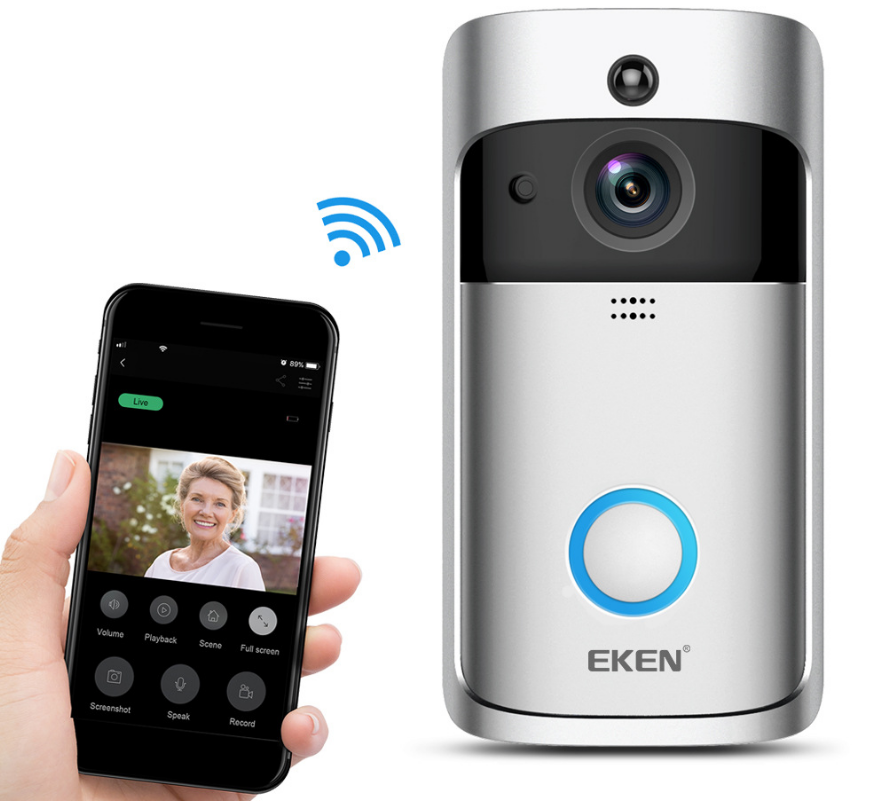
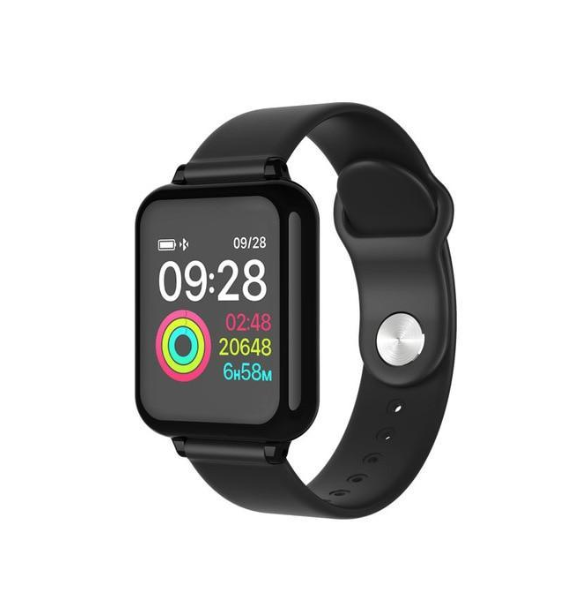
If you are setting up a desk or a hallway, these three sit naturally alongside a wireless charging station:
What about older phones and devices that are not wireless?
Not every device in a household supports induction, and it is worth knowing where the line falls before you buy.
Most phones released in the last several years support wireless charging, but budget models often do not, and neither do many older handsets. The specification sheet for your exact model is the only reliable answer here; assuming from the brand alone is how people end up with a pad that ignores their phone completely.
Thin adhesive receiver pads exist that plug into a charging port and sit under a case, giving an older phone wireless charging of a sort. They work, but they add bulk, they cover the port they occupy, and they charge slowly. They are a reasonable stopgap rather than a proper solution.
Earbuds are the other common surprise. Two cases from the same product family can differ, with one supporting wireless charging and the cheaper one not. Check the specific case you own, not the family name.
If half your devices are not compatible, a wireless charging station is still worth having for the ones that are, with a short cable kept alongside it for the rest. That mixed setup is very common and works perfectly well, and it means the wireless charging station keeps earning its space on the desk even while older kit is gradually replaced.
Frequently asked questions about a wireless charging station
Will a wireless charging station work through a phone case?
Usually yes, if the case is thin plastic, silicone or leather without metal in it. Thick rugged cases, wallet cases with cards, and anything with a metal plate for a car mount will either block charging entirely or slow it badly. If charging is unreliable, take the case off as your first test.
Does wireless charging damage the battery?
Not inherently. Heat is what degrades lithium batteries, and wireless charging produces more heat than a cable, so a well-ventilated station with good alignment is kinder than a badly aligned one that runs warm all night. Keeping the station out of direct sunlight matters more than the choice between wireless and wired.
Can I charge three devices at full speed at once?
Each zone shares the power coming from a single adapter, so a station that is charging a phone, a watch and earbuds simultaneously divides what is available. In practice this is irrelevant overnight, since watches and earbuds finish quickly and leave the rest to the phone.
Why does my phone stop charging in the night?
The usual cause is movement. A notification vibration slides the phone a few millimetres and the coils lose alignment. A magnetic or cradle-style wireless charging station solves this permanently; on a flat pad, silencing vibration usually does the job.
Is it safe to leave devices on it all night?
Yes. Phones, watches and earbuds all manage their own charging and stop drawing power when full. What you should avoid is covering the station with fabric or leaving metal objects on the surface while it is powered.
Do I need to buy a special cable for my earbuds?
Only if the earbuds case does not support wireless charging, which varies by model and generation. Cases that do support it will charge on the dedicated zone of a wireless charging station; cases that do not still need their own cable, so check before you buy.
The short answer
Check your watch compatibility, feed the station with a proper adapter, sort out alignment once, and then forget about it. Those steps are what turn a wireless charging station from a gadget into the reason all three of your devices are simply always charged.
Photographs, options and current availability are on the 3-in-1 Wireless Charger page, and the wider range is in the Electronics section. Available across the USA through secure checkout.





Add comment